Introducing New Drawing Styles!
Explore a new collection of expressive architectural drawing styles in Fenestra, including marker, crayon, loose ink, pastels, stipple and loose pencil.

Shaun McCallum
July 21, 2026Today we are launching a new collection of drawing styles inside Fenestra, designed to help architects and designers create more expressive, illustrative and tactile imagery.
The initial collection includes:
- Marker
- Crayon
- Loose Ink
- Pastels
- Expressive Ink
- Muted Ink
- Stipple
- Loose Pencil
All Fenestra Pro users can explore the new styles free of charge until July 31, 2026.
Moving Beyond the Finished Render
Not every architectural image needs to look polished or photorealistic.
Sometimes a loose drawing communicates an idea more effectively than a finished visualisation. A pencil line can make a proposal feel open for discussion, while marker, ink and pastel can bring atmosphere and personality to an image without making it feel overly resolved.
We created these styles to give architects and designers more ways to explore and communicate their work throughout the design process.
They can be used to quickly test different visual directions, develop presentation imagery, create illustrations for competitions or social media, or simply see an existing project from a completely different perspective.
New Ways to Express a Design
Each style has been developed to produce a distinct visual character.
- Marker creates bold, graphic images with the feeling of a hand-rendered architectural presentation.
- Crayon introduces roughness, texture and a more playful quality that works particularly well for conceptual imagery.
- Loose Ink uses lighter, gestural linework to create drawings that feel quick, open and exploratory.
- Pastels produce softer images with subtle colour, texture and atmosphere.
- Expressive Ink creates stronger marks, contrast and movement for images that need more visual energy.
- Muted Ink offers a calmer and more restrained interpretation, with softer tones and understated linework.
- Stipple builds images through fine dots and texture, creating an illustrative quality influenced by printmaking and traditional architectural drawings.
- Loose Pencil gives projects the feeling of an early sketchbook study, retaining enough detail to communicate the design while keeping the image informal.
The same project can feel completely different depending on the style you choose. A polished interior render can become a soft pastel illustration, a façade study can become an expressive ink drawing, and a simple 3D view can be transformed into a loose conceptual sketch.
Use Them Across Your Existing Workflow
The new styles can be applied to a wide range of architectural and interior imagery, including:
- 3D model views
- Existing renders
- Interior and exterior designs
- Sketches and line drawings
- Early concepts
- Completed projects
You can use them at the beginning of a project to explore ideas, during the design process to communicate different directions, or toward the end to create more distinctive presentation imagery.
They also work well as part of a wider Fenestra workflow. You might begin with a quick loose pencil or marker study, develop the idea further through Generate or Edit, and then create a higher-detail visual once the direction is established
Built with Krea 2 Turbo
The new collection has been built using Krea 2 Turbo, allowing us to create styles that are fast to use while maintaining the composition and architectural character of the original image.
This is only the first collection.
We are already exploring additional drawing, illustration and presentation styles, and we would like users to help shape what we train next.
If there is a particular architectural drawing technique, visual reference or illustration style you would like to see inside Fenestra, send it to us. Feedback, examples and ideas are all welcome.
Unlimited Until July 31
For a limited time, Edit Area and Styles is completely unlimited for all Pro subscribers and above.
From now until July 31, 2026, eligible Styles won’t use any credits.
Open Fenestra, choose a project or image, and try transforming it with Marker, Crayon, Ink, Pastel, Stipple or Pencil.
We are excited to see what you create.
Try New Styles →
Create in your styleRelated Articles
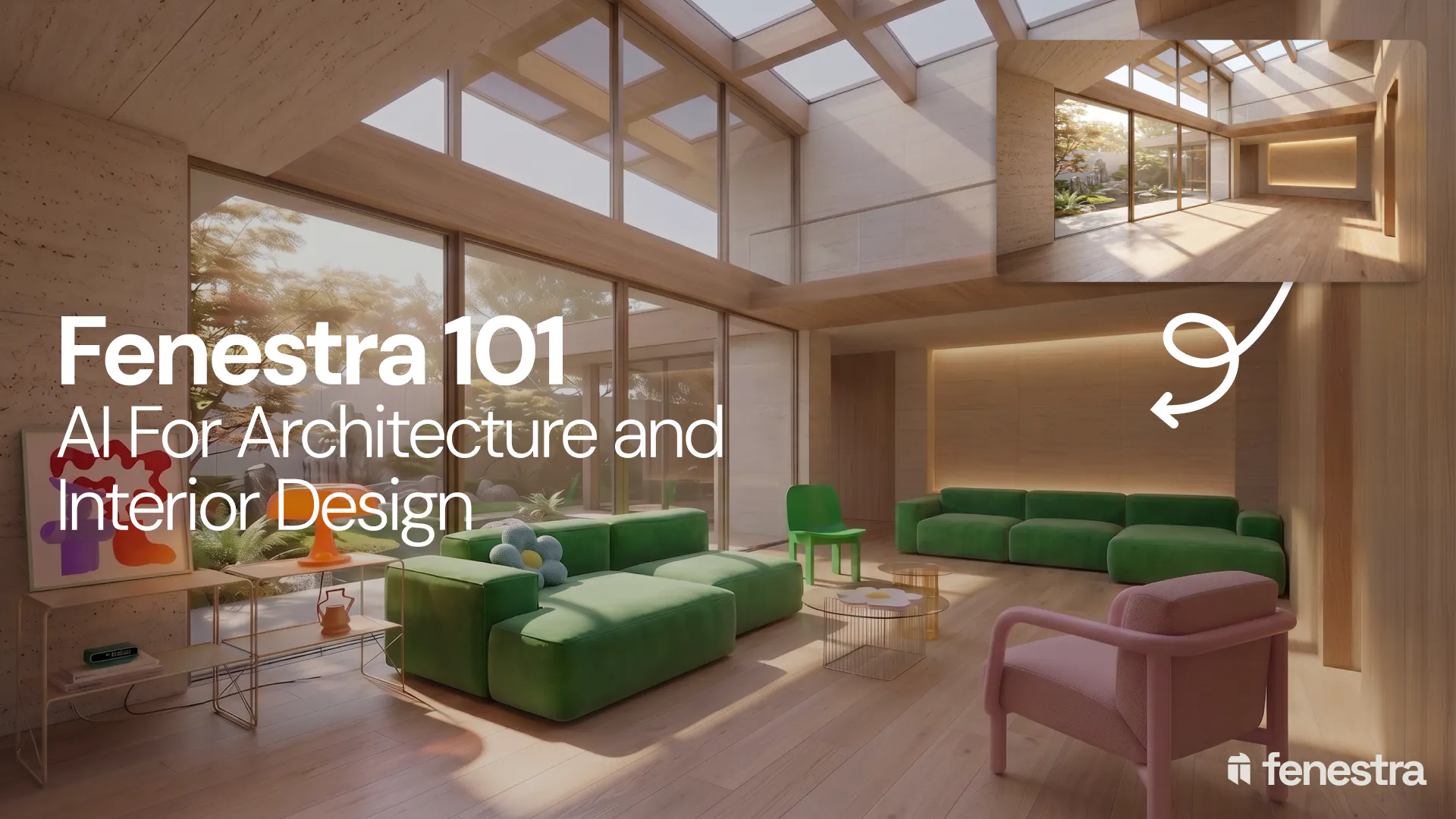
Fenestra 101: Sketch to Render, Virtual Staging and AI Editing for Architects & Interior Designers
In this introductory Fenestra webinar, we walk through the core tools architects and designers can use to turn early ideas into visual concepts. The session covers sketch to render workflows, virtual staging, adding furniture, editing images, removing elements and using AI to quickly explore design directions.
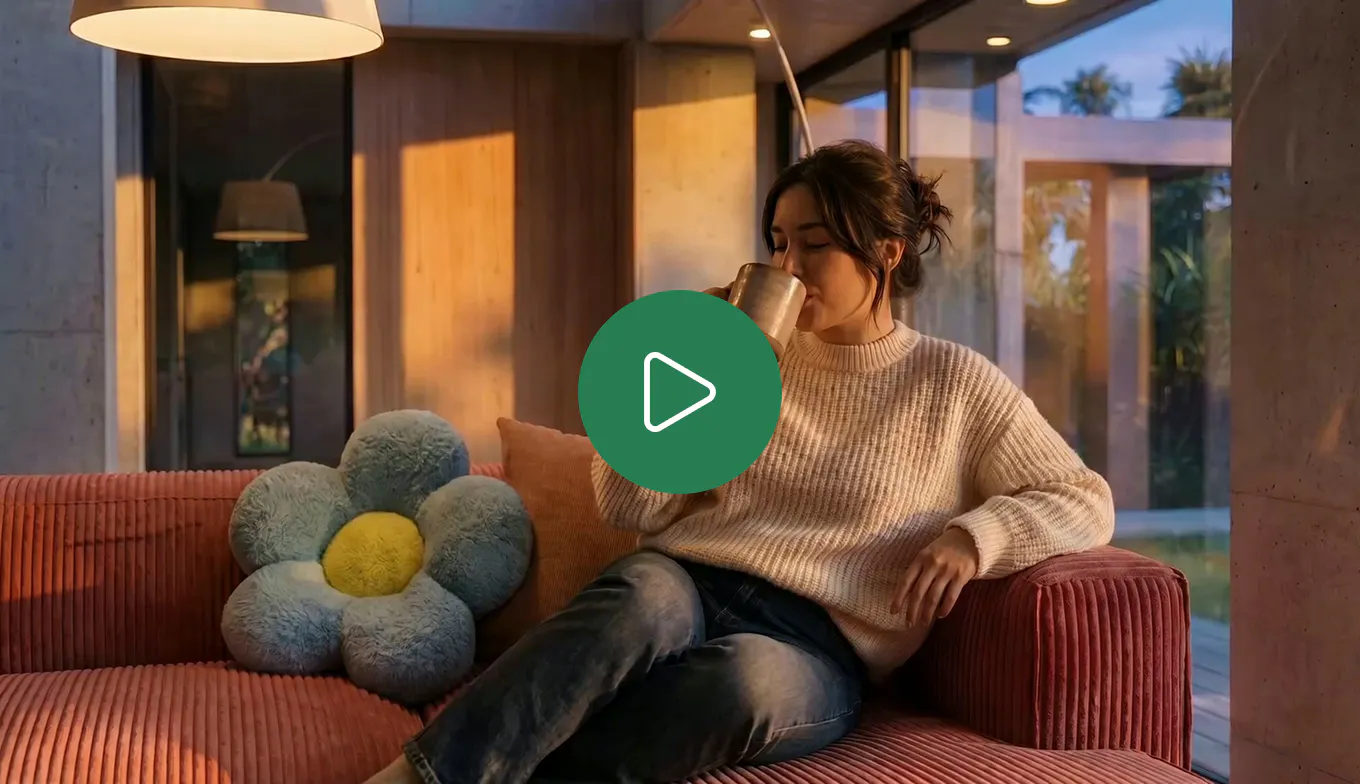
How to Create Interior and Architectural Animations with AI
Turn a single render into a cinematic interior or architectural animation. Use LTX 2.3 and Seedance 2.0 Mini in Fenestra to create walkthroughs, flythroughs and ambient project videos without a 3D model or render farm.
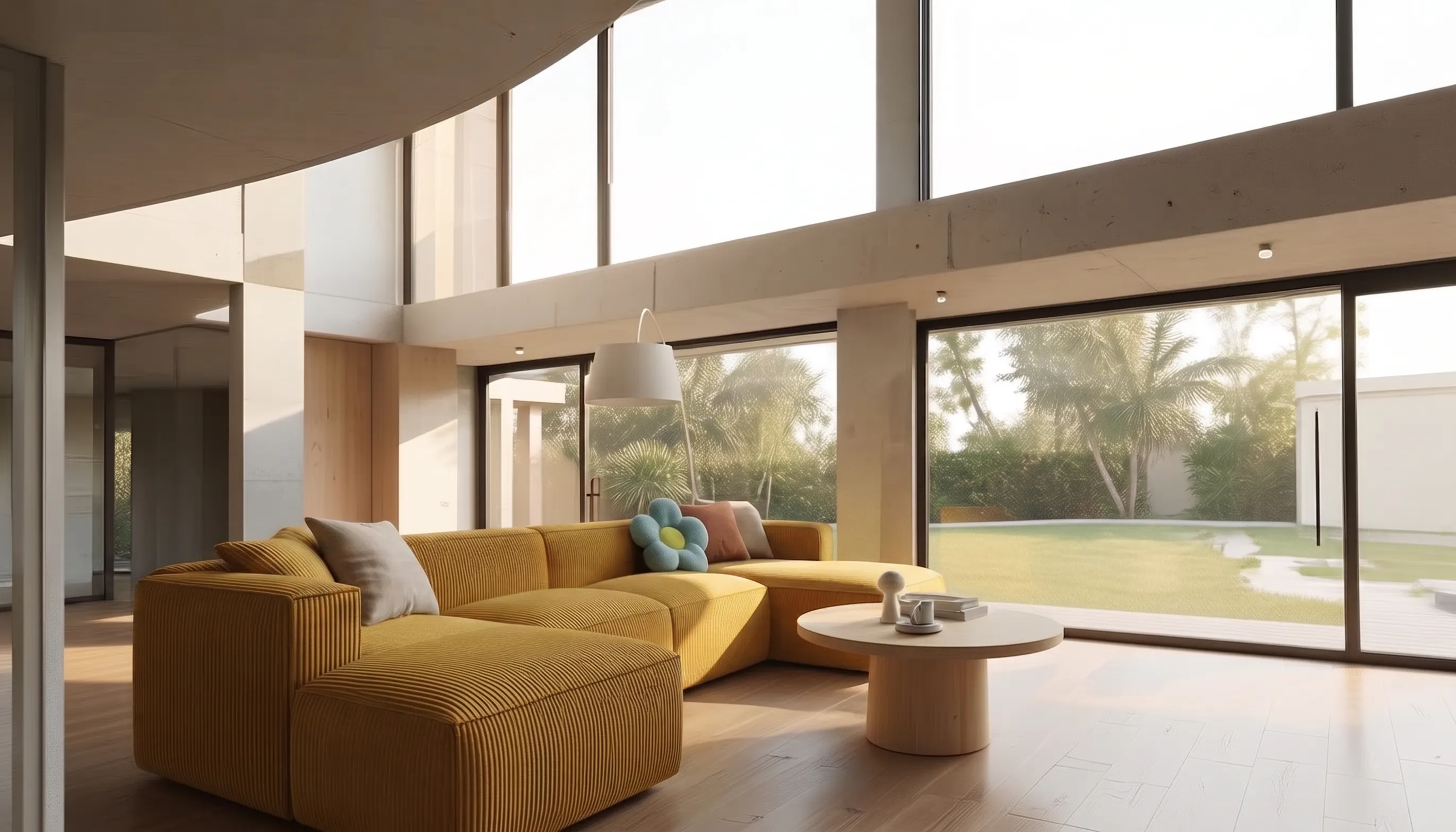
How to Make a Scrolling Website for an Architecture Project
Turn architectural renders and videos into a scrollable project website your client can explore by scrolling.
